Questions are the core to your Checklist!
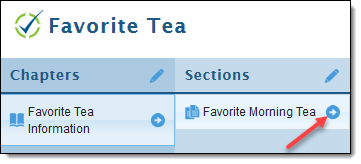
- To begin, click the arrow next to the section you'd like to add questions to.
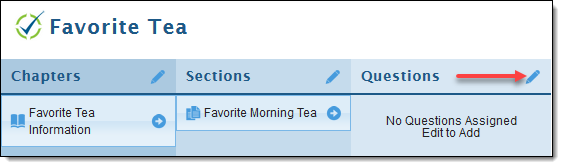
- Click the pencil next to "Questions".
- Click on "New Question" under Available Questions List to add your question (this will appear on your Checklist under the order we'll arrange at a later step).
