To begin installing Checklist, you must be logged into a System Administrator account.
Installation Test
It is recommended to test this first in a Developer (DE) Org before your Production Org.
- Access the AppExchange
- URL: https://appexchange.salesforce.com/
- Or within Apps inside your DE Org
- Click on the “Apps” dropdown
- Click View All
- Click on “Visit AppExchange”
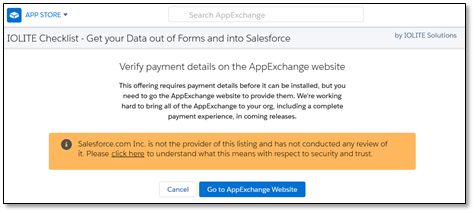
If accessing the AppExchange from within your DE Org, you will be prompted to complete the download/purchase from the AppExchange website
- After locating the IOLITE Checklist
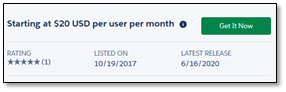
- Click “Get It Now”
If you are not logged in, you will be prompted to login with your Trailblazer.me account. Your DE/Prod Org must be linked to your Trailblazer.me account to download this app.
Trial Account
This will install a trial version of Checklist for your utilization on the selected org.
Please continue to the Next section on Launching Checklist.