Question Time!
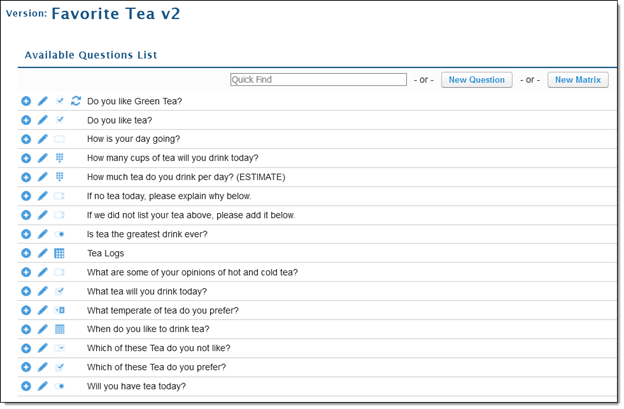
After you're done creating questions for your Checklist, you will need to add them and ensure they are ordered correctly. Navigate back to your list of created questions.
-
Click the “+” sign to add them to your Questions list.
-
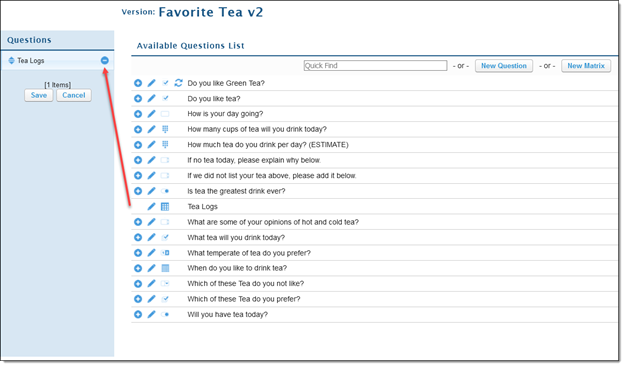
The selected question will move to the Question list.
-
Proceed to add questions as needed.
-
Added questions can be re-ordered by dragging the arrows on each question.
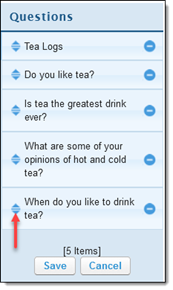
- After finalizing the order of questions- click "Save".
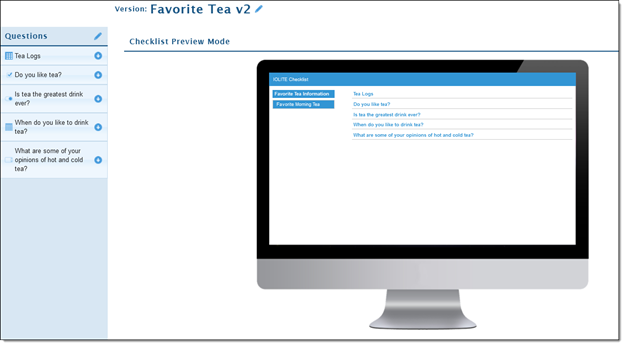
- Your Display will change to a preview of the questions labels.